
Your Camera and the On-Screen Reports
You play a reporter employed by "Big Media," tasked with spreading chaos and panic through the park. The game gives you exactly one job: keep everyone's eyes glued to the screen — "no matter the cost."
The on-screen controls are the camera viewfinder and the "POINT & CLICK" prompt: aim at a part of the park, then click to take the photo.
Headlines correspond to the character or object shown on the TV screen. Rather than expecting one photo to map to one specific headline, pay attention to the report currently playing — darkness, a gathering crowd, or an "OFF AIR" screen are different scene states to recognize, not steps to arrange in order.
The Headline Roundup
All headlines below are taken from the screenshots (12 screenshots, 9 distinct reports — # CIRCLES HATE SQUARES appears twice).
-
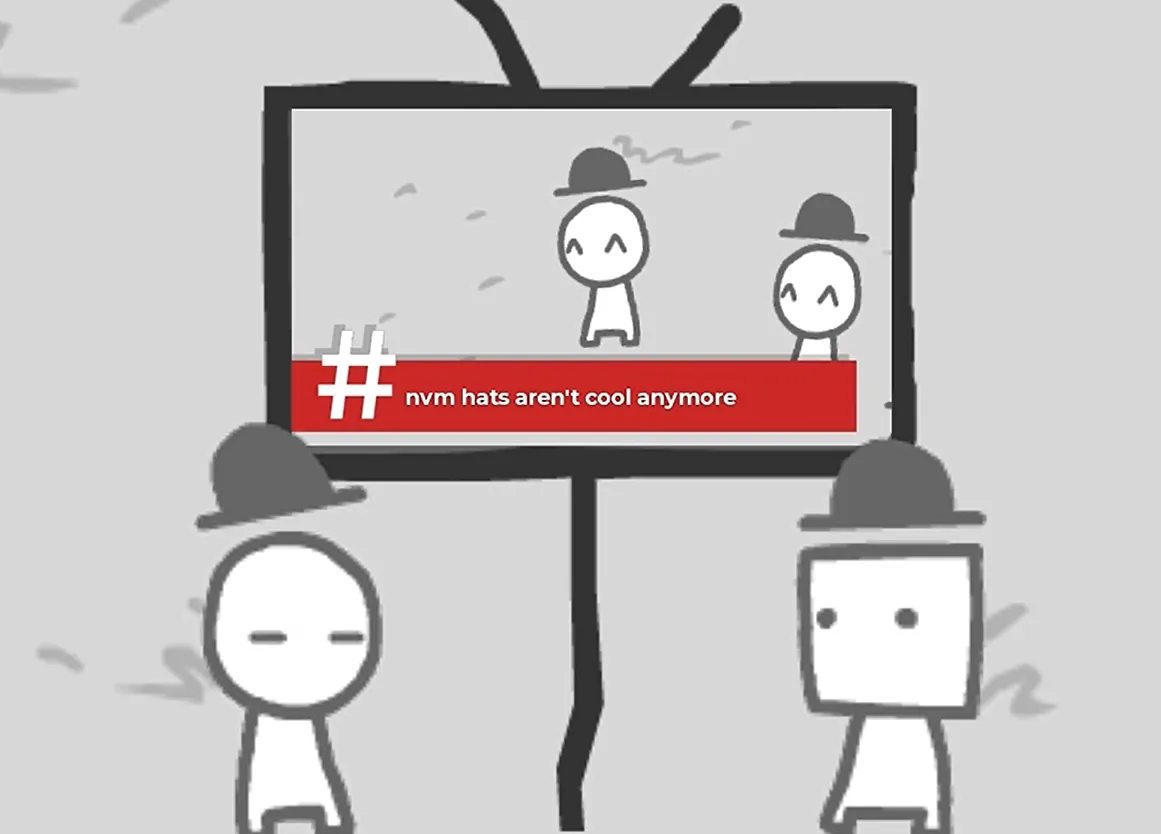
# nvm hats aren't cool anymore
Two hat-wearing circle-heads smile inside the TV; outside it, a circle-head and a square-head are also wearing hats, both looking flat and unimpressed.
-
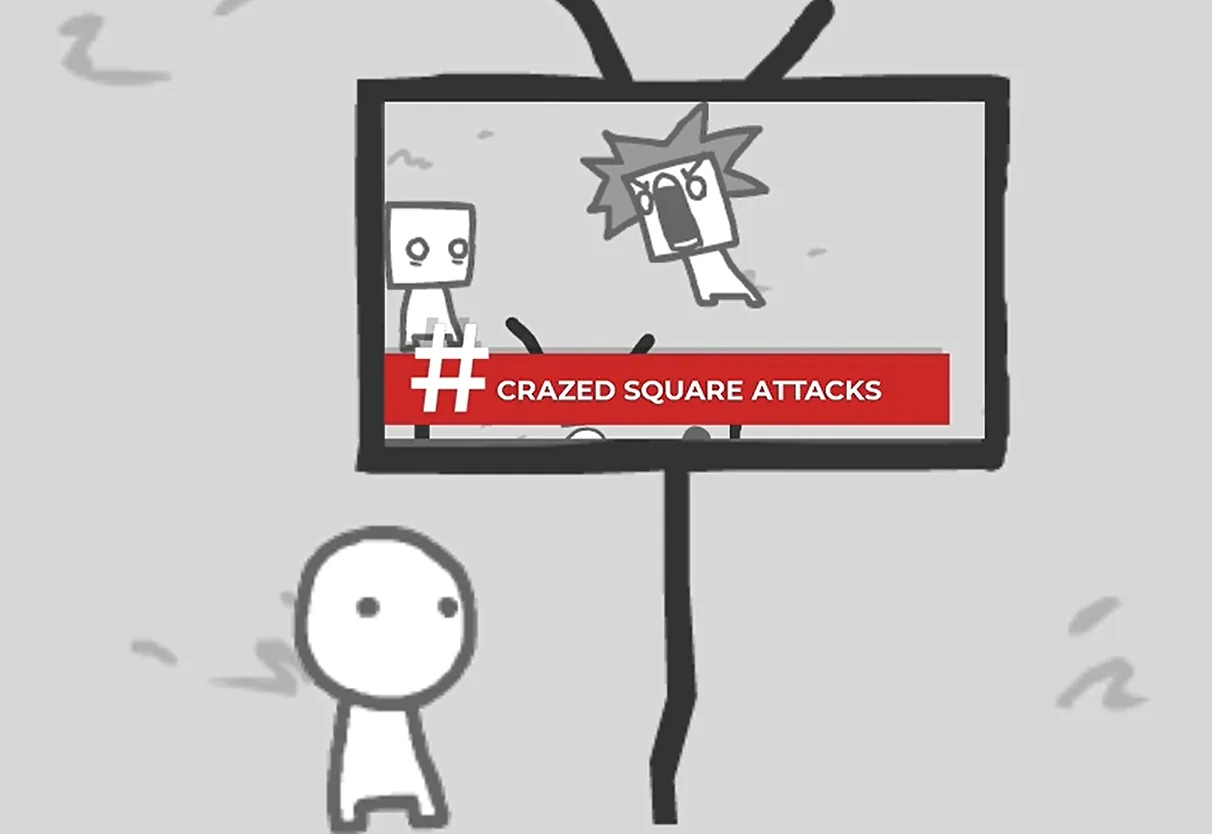
# CRAZED SQUARE ATTACKS
A square-head with spiky hair screams open-mouthed inside the TV, another square-head beside it; a circle-head stands outside.
-
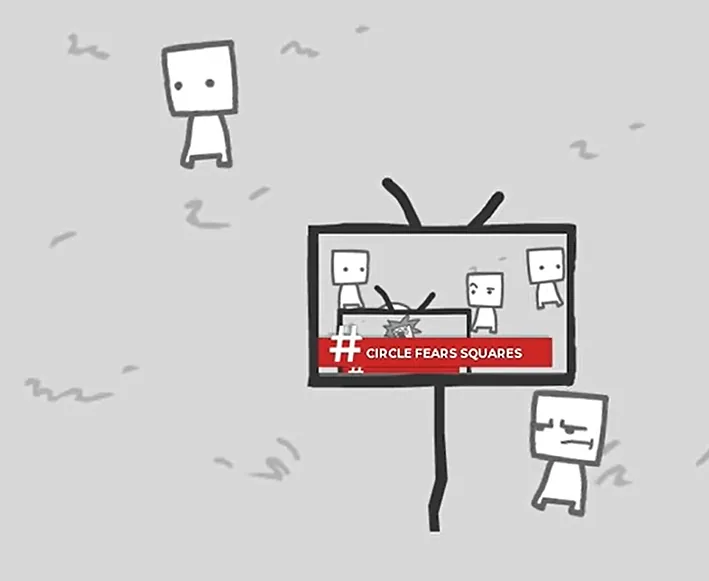
# CIRCLE FEARS SQUARES
A starburst pops between a square-head and a circle-head inside the TV; outside, a lone square-head stands top-left and a frowning square-head sits bottom-right.
-
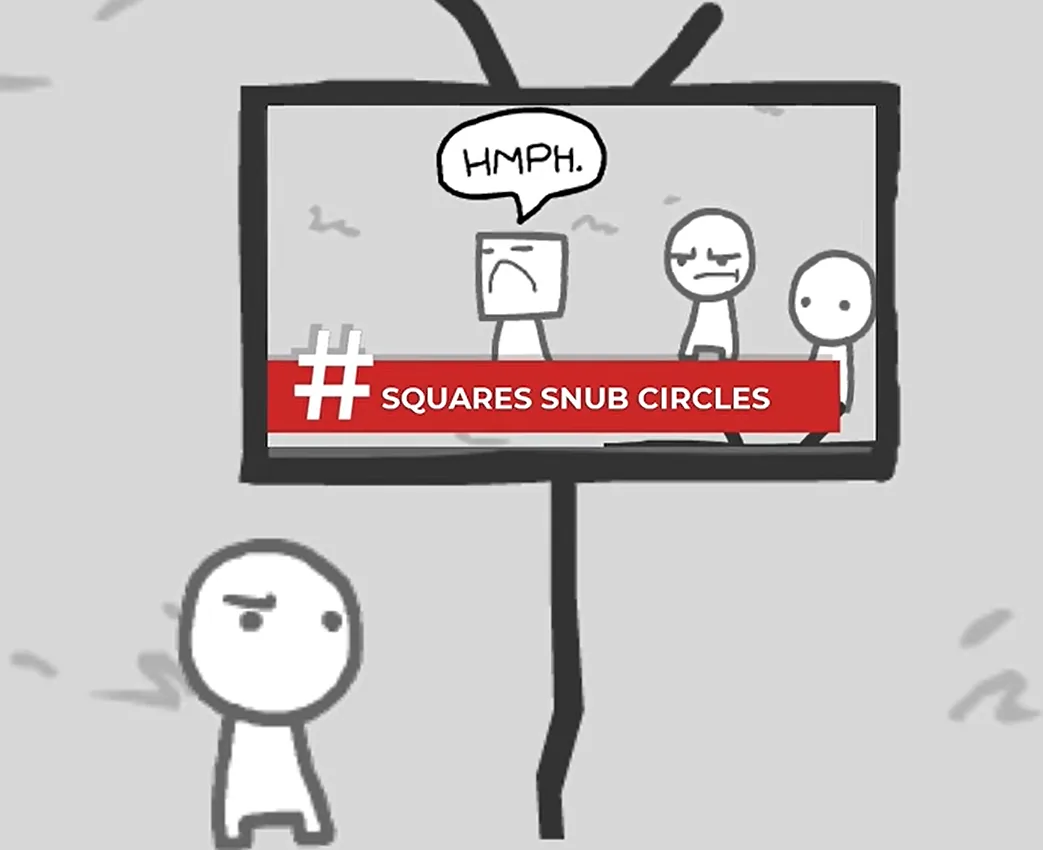
# SQUARES SNUB CIRCLES
A square-head sneers "HMPH." inside the TV while a circle-head looks dismissive, with a small circle-head nearby; a blank-faced circle-head stands outside.
-
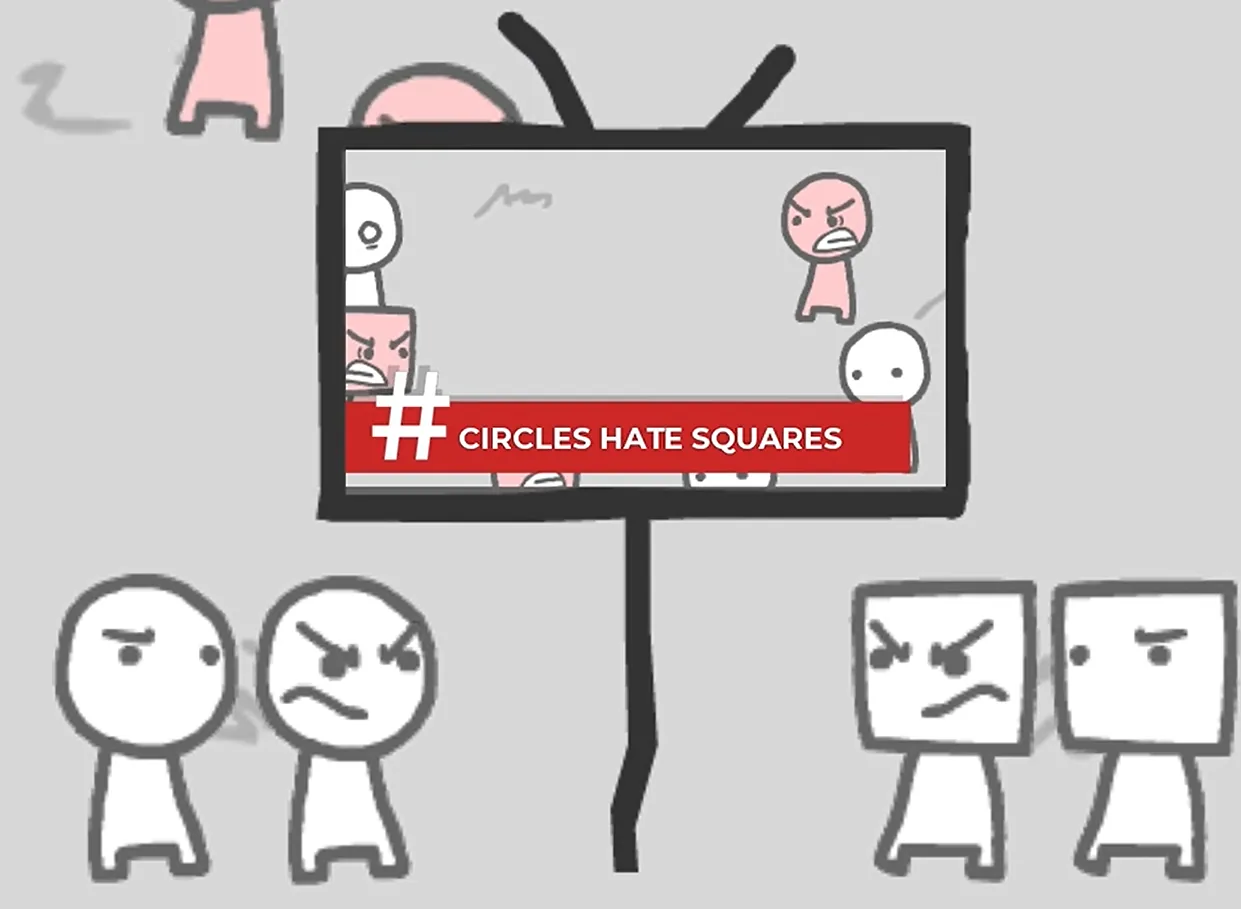
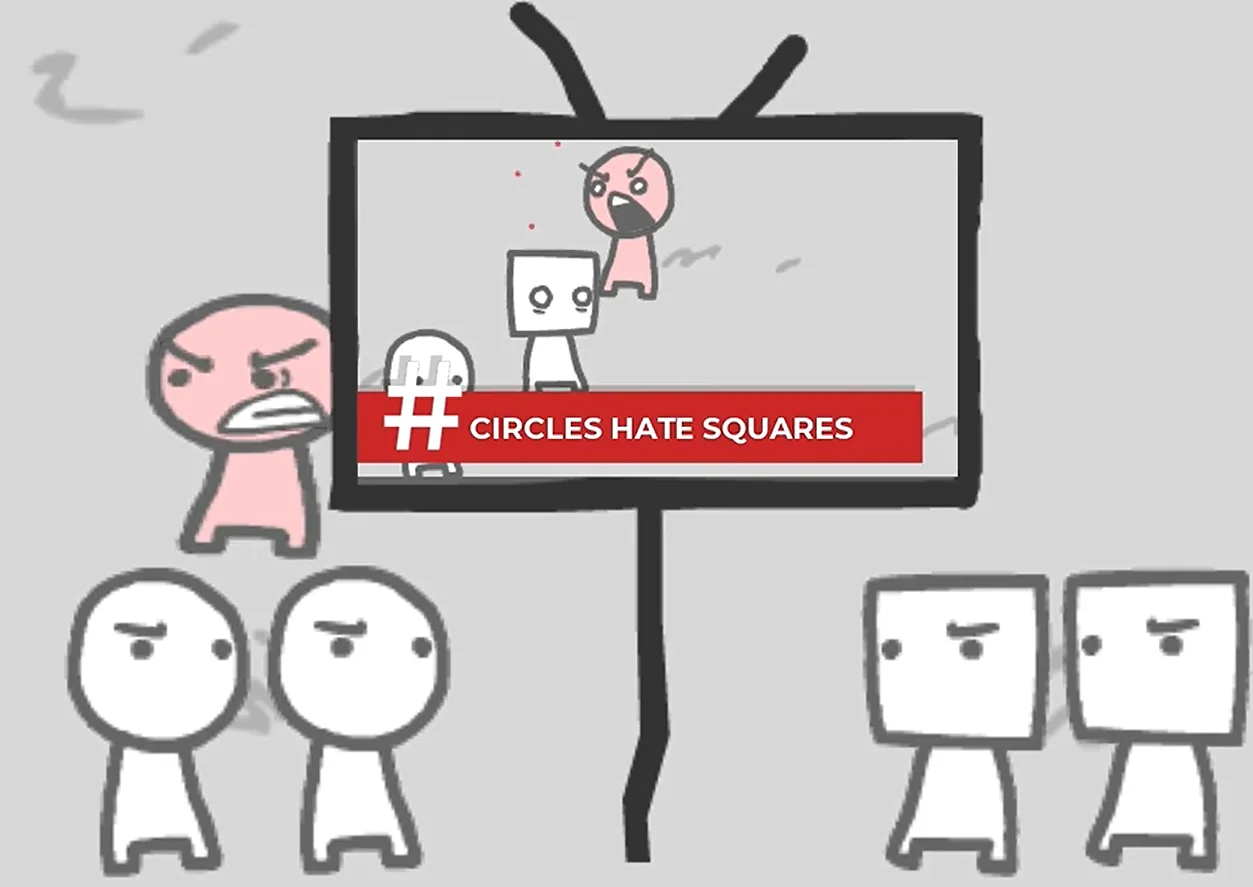
# CIRCLES HATE SQUARES
A pink circle-head throws its arms up in rage while a square-head stands frozen inside the TV; outside, a pink circle-head on the left and two circles plus two squares glaring below.
-
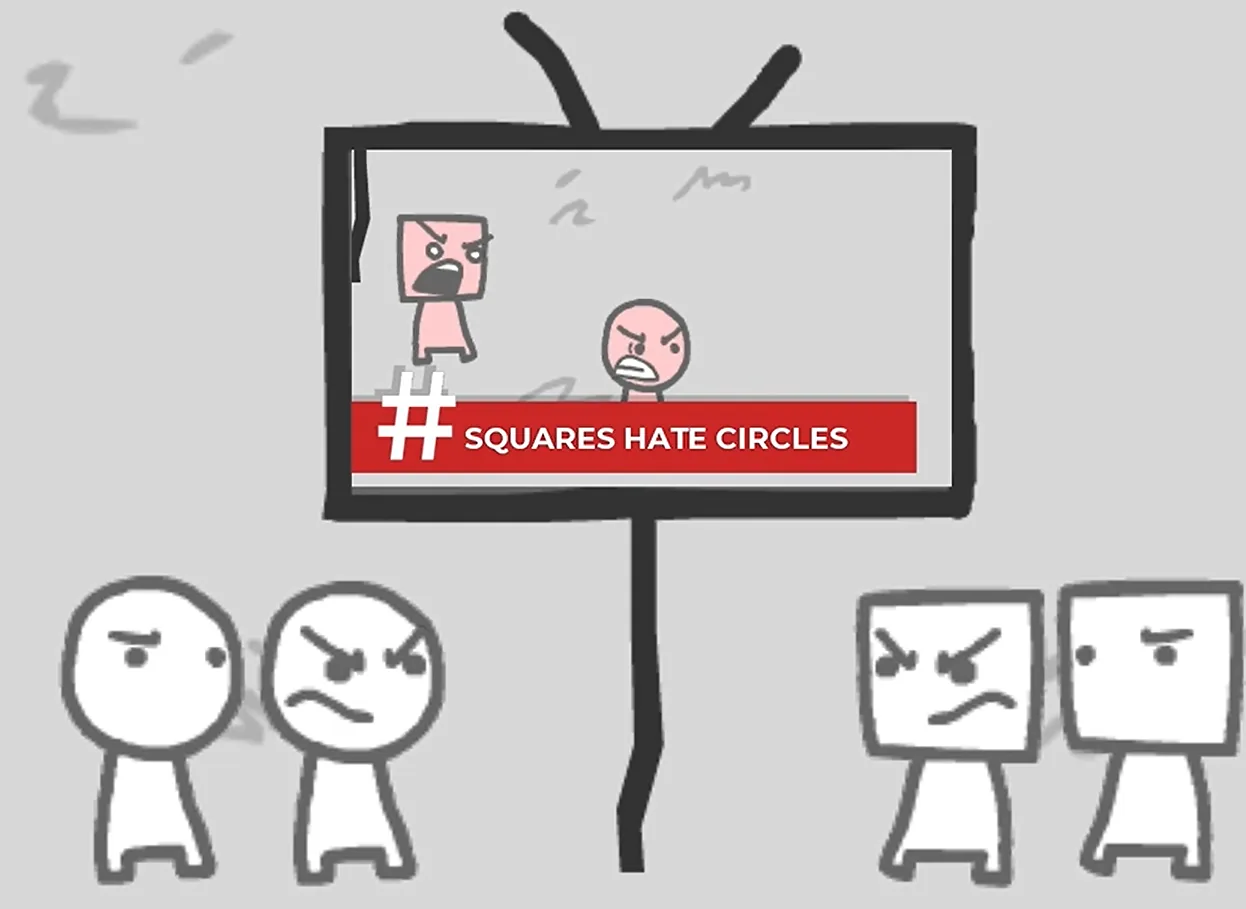
# SQUARES HATE CIRCLES
A pink square-head and a pink circle-head yell at each other inside the TV; below, the same two-circles-two-squares standoff.
-
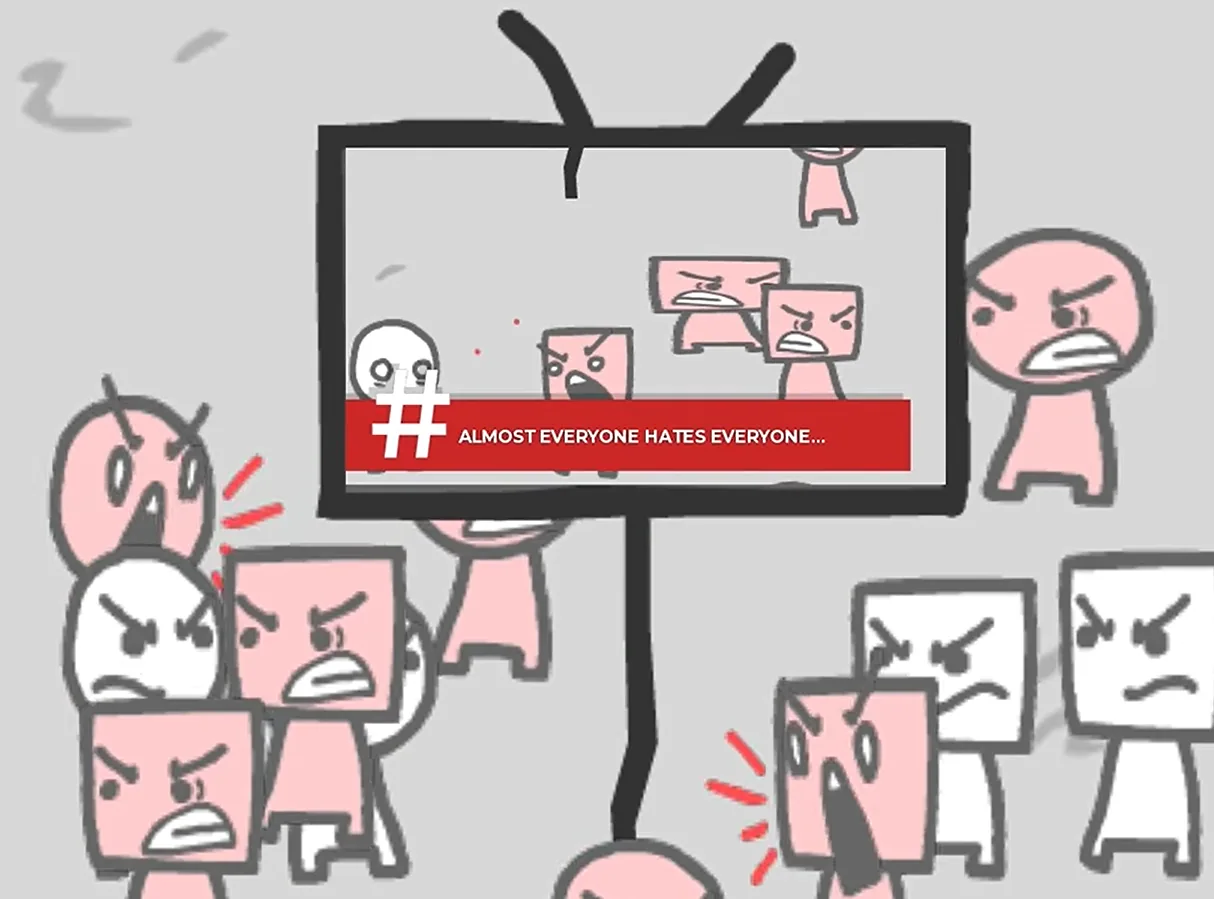
# ALMOST EVERYONE HATES EVERYONE...
Angry characters fill the screen inside and out, pink and white packed together.
-
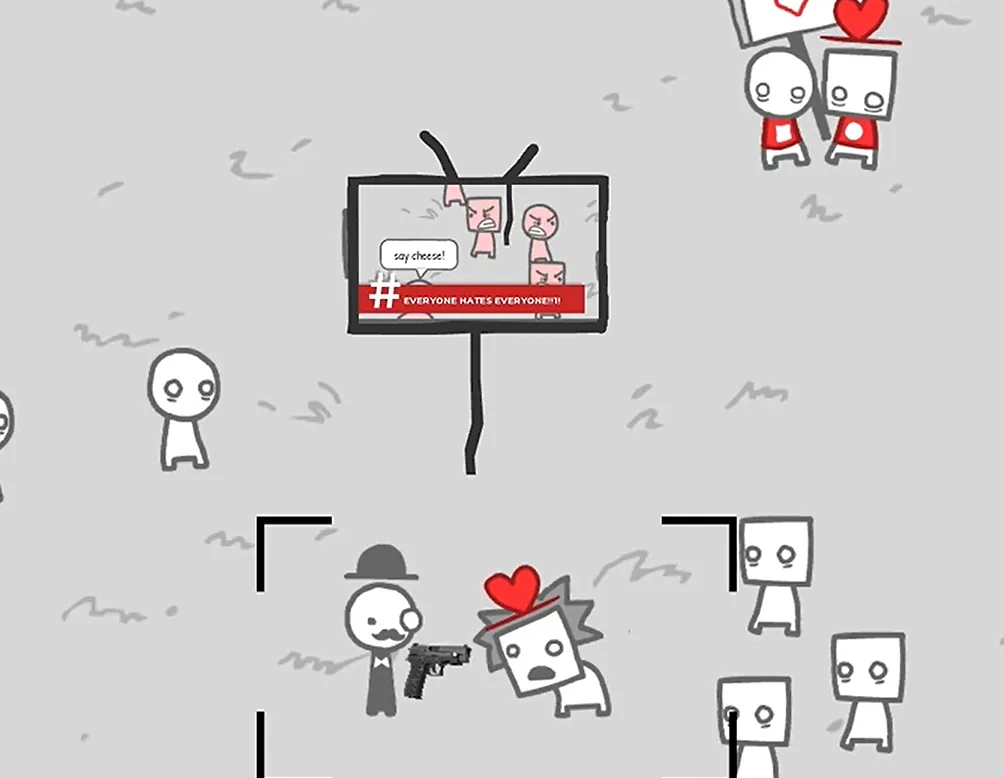
# EVERYONE HATES EVERYONE!!!
A bowler-hatted man with a monocle aims a pistol at a square-head with a red heart on its chest; viewfinder corner brackets are visible, and a "say cheese!" speech bubble sits on the TV.
-
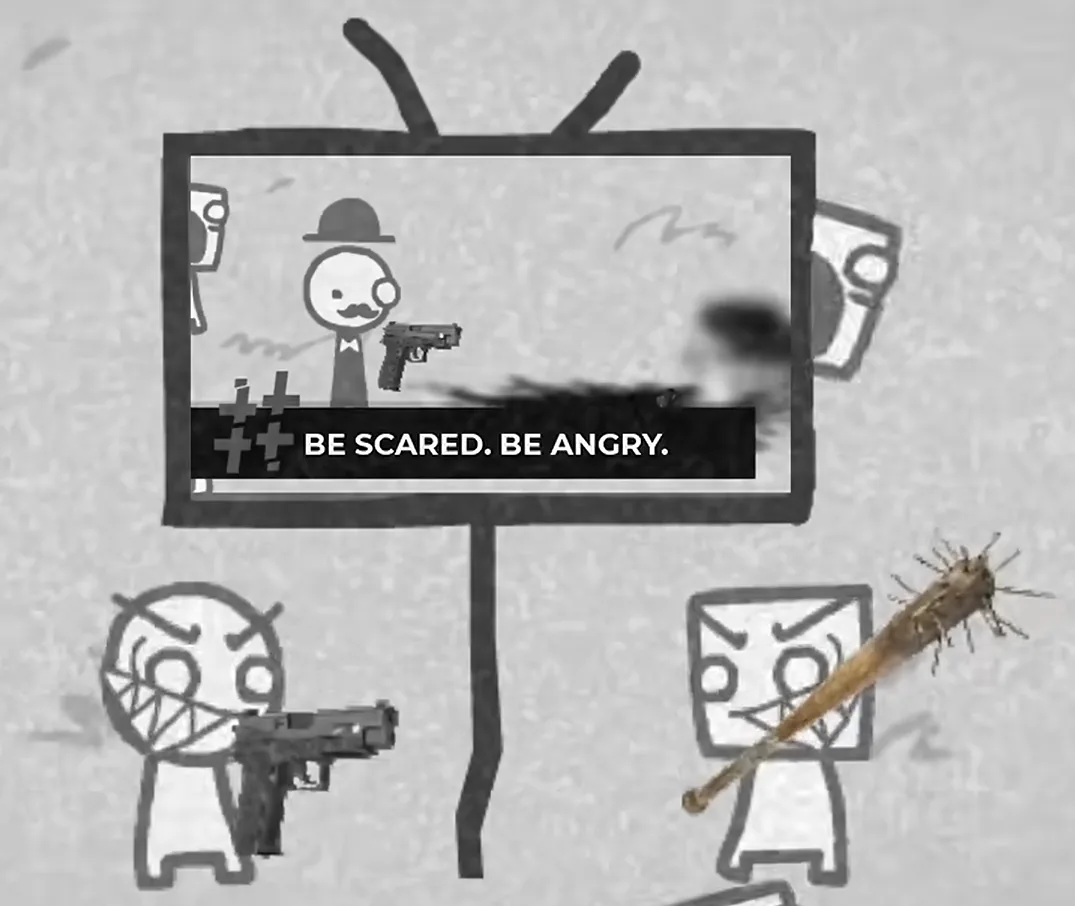
BE SCARED. BE ANGRY.
The scene goes dim and desaturated, characters scream open-mouthed, black smoke streaks across, nail-studded bats and guns litter the ground.
Telling the Park Characters Apart
Use head shape, hats, facial expression, and clothing to tell the park's characters apart — and keep the characters shown on the TV screen separate from the characters standing around it while you watch.
- Park characters come in two kinds: circle-heads and square-heads. When distinguishing characters in a scene, start with that obvious difference.
- A hat alone does not distinguish the two head types. In the # nvm hats aren't cool anymore scene, both circle-heads and square-heads wear hats — so look lower, at the head under the hat.
- Combine head shape with headwear to point at someone accurately: "the square-head with the hat" is far more precise than "the one in the hat."
- TV reports use the same trick: the screen highlights one visible feature — a hat, an expression, a shock of spiky hair — and that feature stands in for the character in the report. In # CRAZED SQUARE ATTACKS, the spiky-haired, screaming square-head is the report's visual focus.
- Clothing is a cue too: bowler hat plus monocle plus suit marks the adult male character who recurs across the reports.
Recognizing the OFF AIR Gathering
The core marker: the TV screen stops showing a report headline and instead displays "OFF AIR."
This scene is the inverse of the "captioned report" moments above — it isn't a news item at all, it's the state of no news airing. To recognize it, read three things at once:
- The text on the TV screen. What appears is "OFF AIR," not a captioned report. That's the most direct giveaway.
- How the crowd is gathered. A group of characters stands clustered around one TV — not scattered across the park, but pulled in by the same screen. The gathering itself is the scene's composition.
- The surrounding details: a suit and money. Near the crowd stands a figure in a suit, and there is money somewhere in the frame. The on-screen text, the gathered crowd, and the surrounding details together make up this image.
How to pick out the suited figure: use clothing plus positioning. The suit is the loudest clothing cue — it separates this character from the round-heads and square-heads wandering the park. Positioning is the second cue: he appears beside the TV, not mixed into the crowd watching it. Stack the two cues together and you can point at the suited figure next to the TV with confidence.
Why this section stands on its own: "OFF AIR" is a scene state to recognize, not a step to arrange in order. It doesn't tell you what to press next — it only tells you that the screen is empty right now, the crowd is gathered, and the suited figure is present.
Recognizing the Dark Last-Photo Scene
The clearest candidates are the two screenshots where the whole park goes dim and gray:
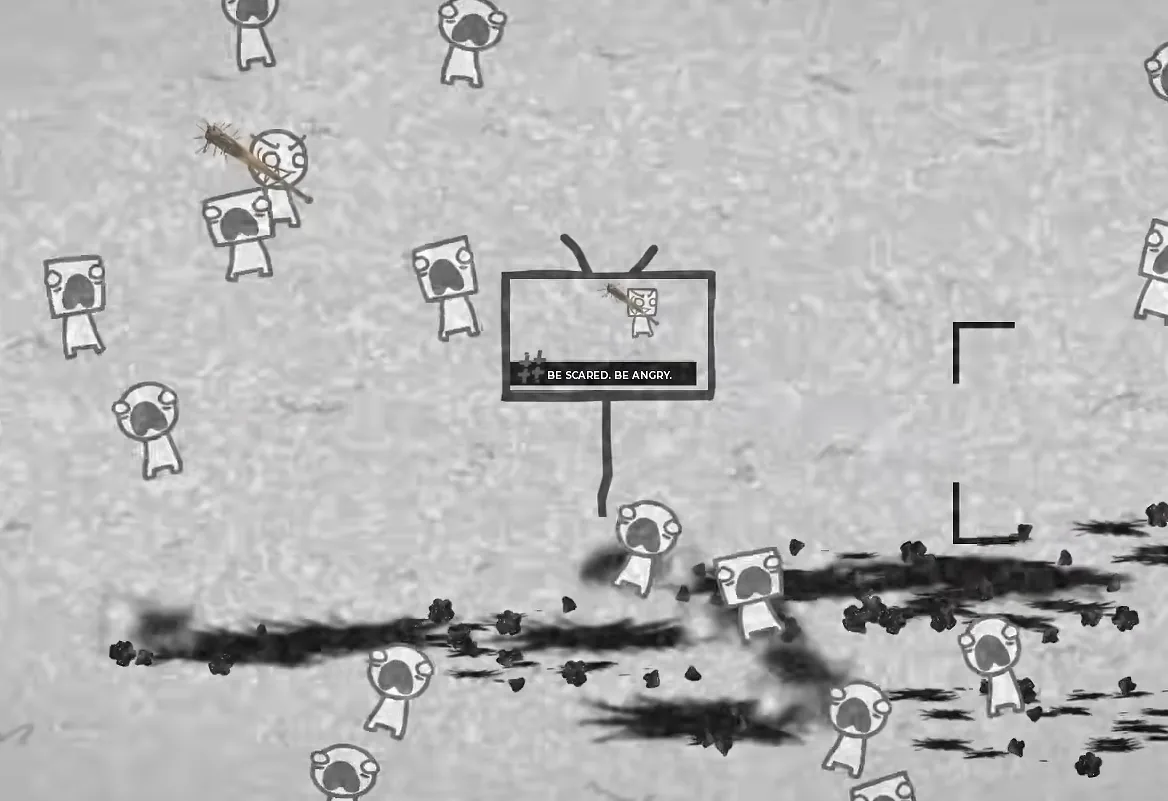
- The picture is desaturated and dark, characters screaming open-mouthed.
- Black smoke streaks across, with nail-studded bats and guns scattered around.
- The report on the TV reads BE SCARED. BE ANGRY.
One caveat: the camera viewfinder also appears in the earlier "POINT & CLICK" view — the screenshot with viewfinder corner brackets is a normal-brightness park. So check both the lighting and the prompt:
A dark environment plus the "click to take the last photo" prompt is the clearest way to identify this scene.
How to Use These Cues
These recognition cues come from different scenes. They tell you what each scene shows and who is standing where — they are not an established cause-and-effect order, a trigger guide, a character roster, or an ending route.
Keep the loop simple: frame → click → watch the TV. Use the report on the TV to confirm what you captured, and watch the lighting and the on-screen prompt to tell which camera moment you're in.